 Tacktus
Debt tracking both sides trust
Lend money. Stay friends.
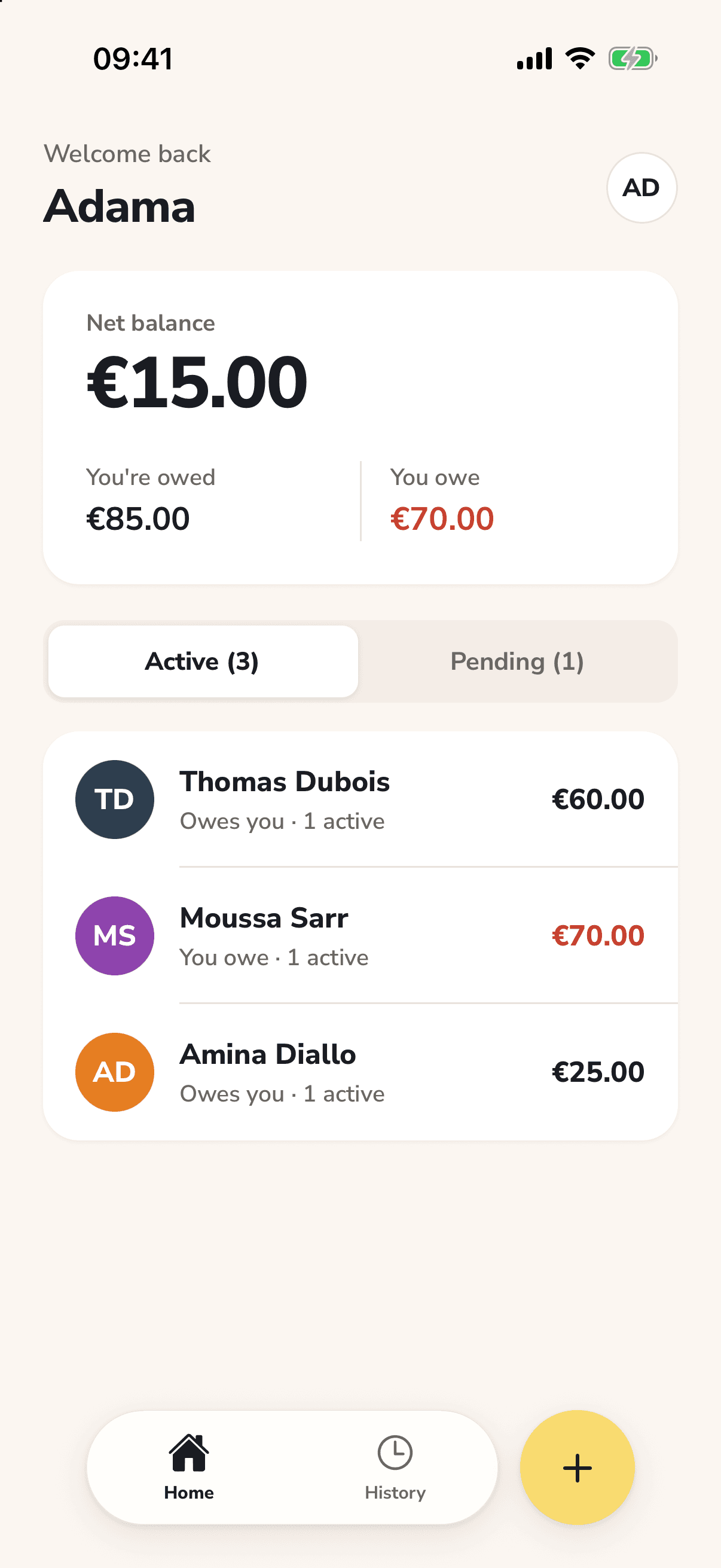
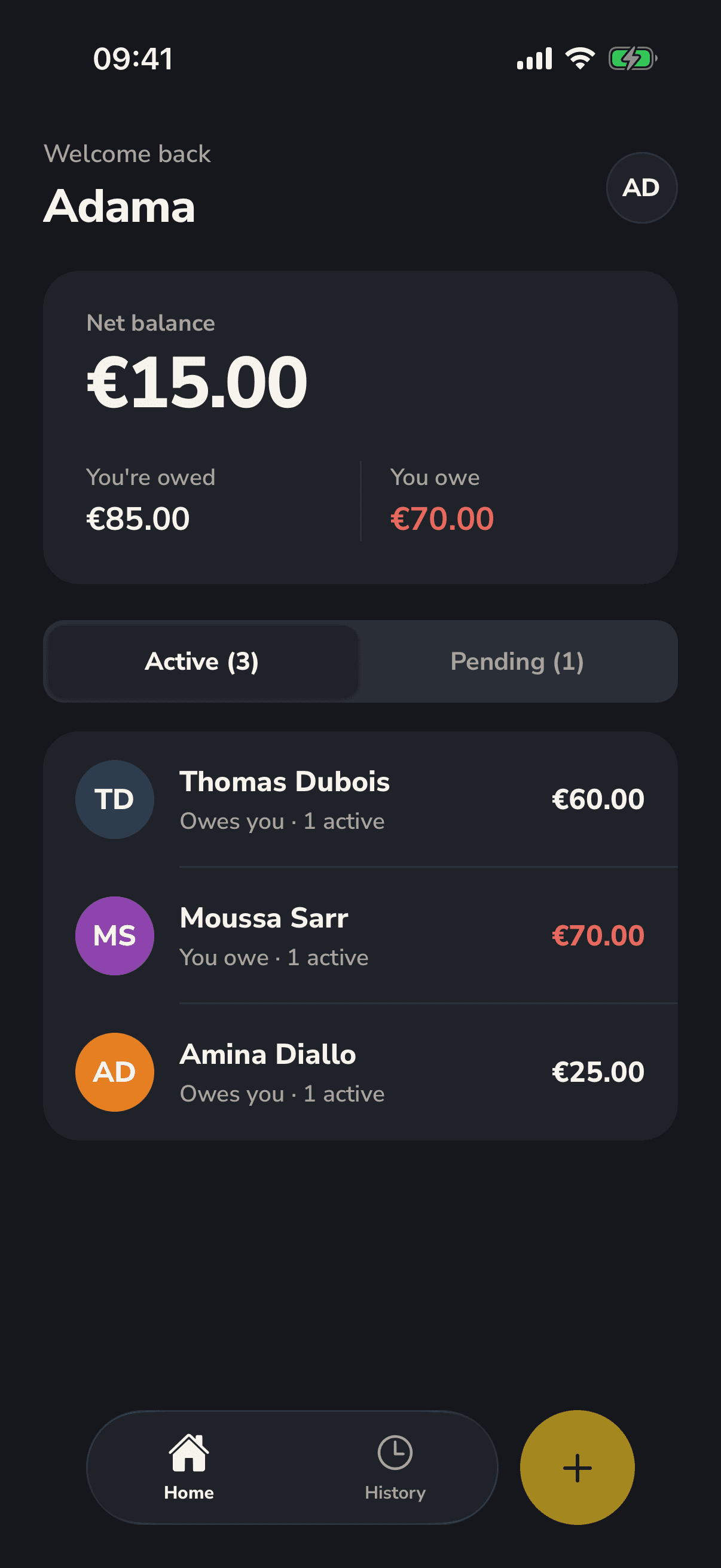
Record a debt with someone, they confirm it. Repayments are recorded by one of you and confirmed by the other, so you always agree on the balance.


- Free
- Your contacts stay on your phone
- Works on iPhone, Android and the web
How it works
Three steps, and at each one you both see the same thing.
- 1
Record it
Who lent what to whom, in a few seconds.
- 2
They confirm
Send them a link. One tap, and the debt is agreed on both sides.
- 3
Repay and settle
Each repayment is confirmed the same way, until the balance reaches zero. Settled means settled.
Clear accounts, without the awkward reminders
One shared record of what was lent, what was repaid and what is left.
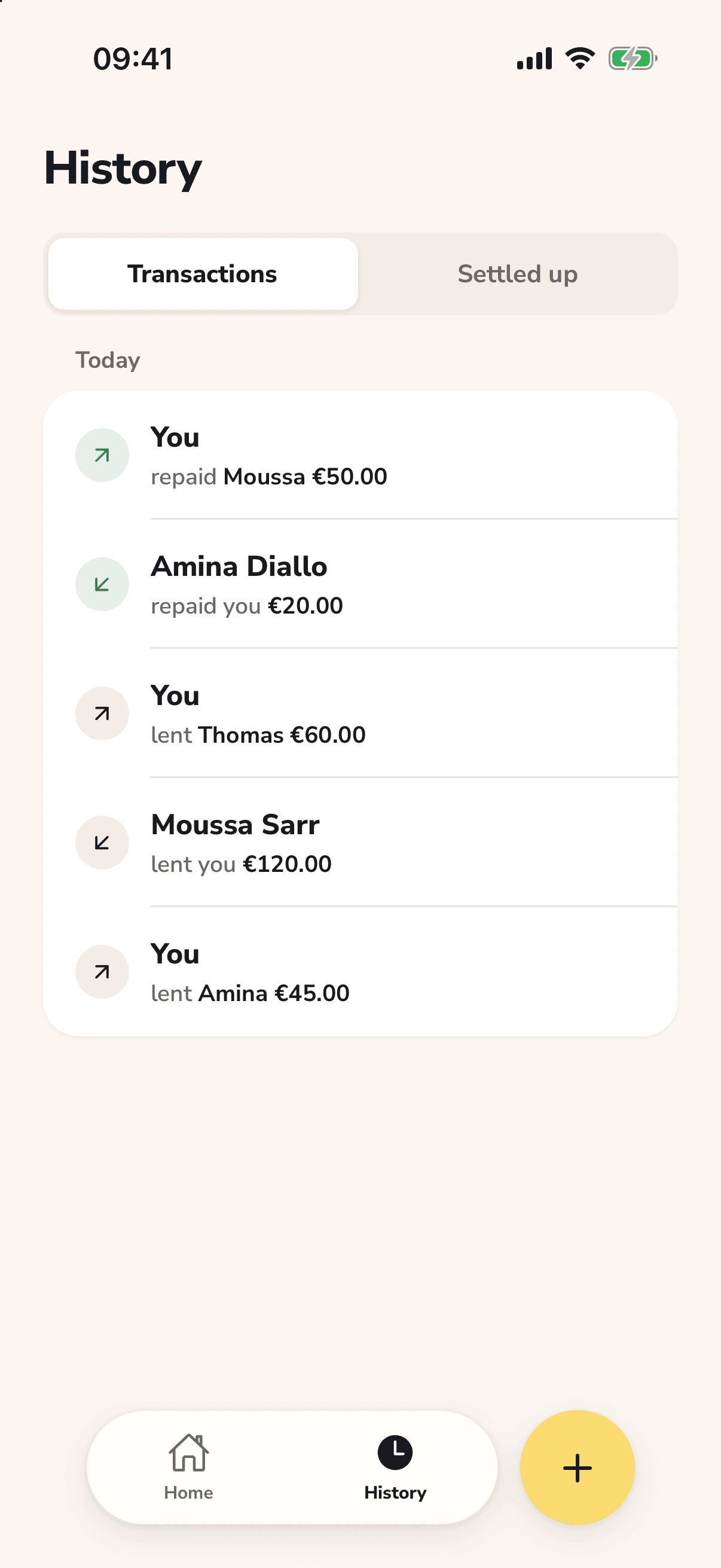
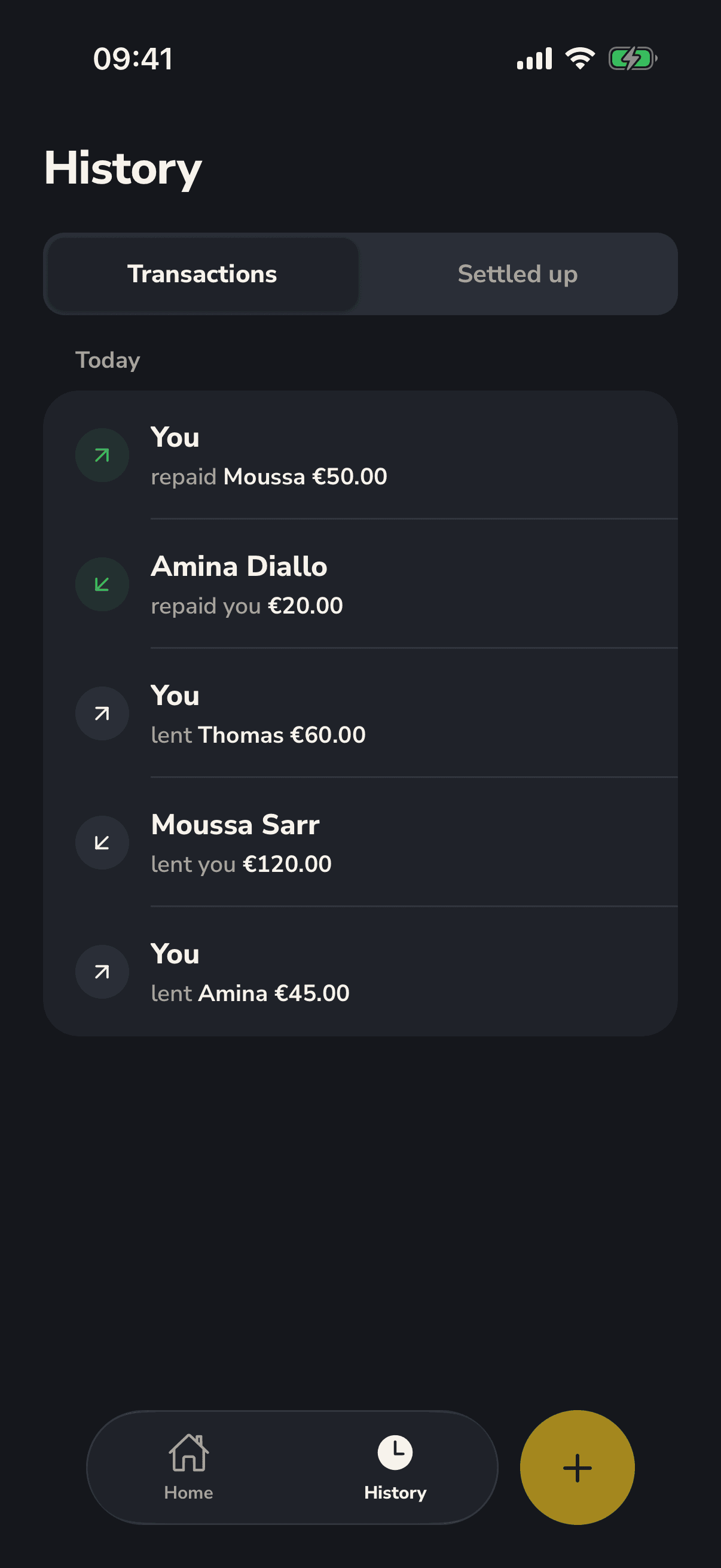
Both sides confirm
A debt counts only once you both agree to it. Nobody ends up with a debt in their name they never accepted.
One balance per person
See at a glance where you stand with each contact: owed, owing or square.
Repayments, not guesswork
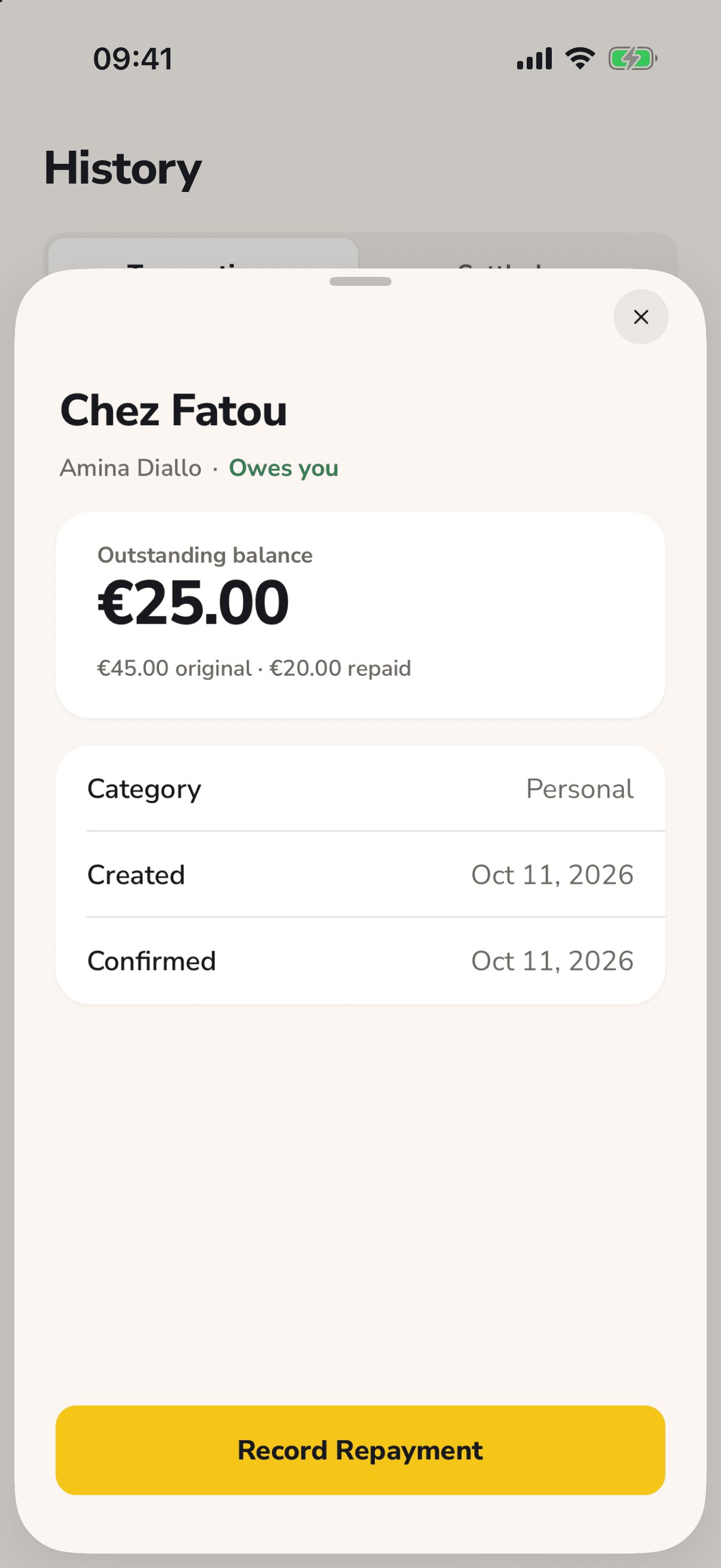
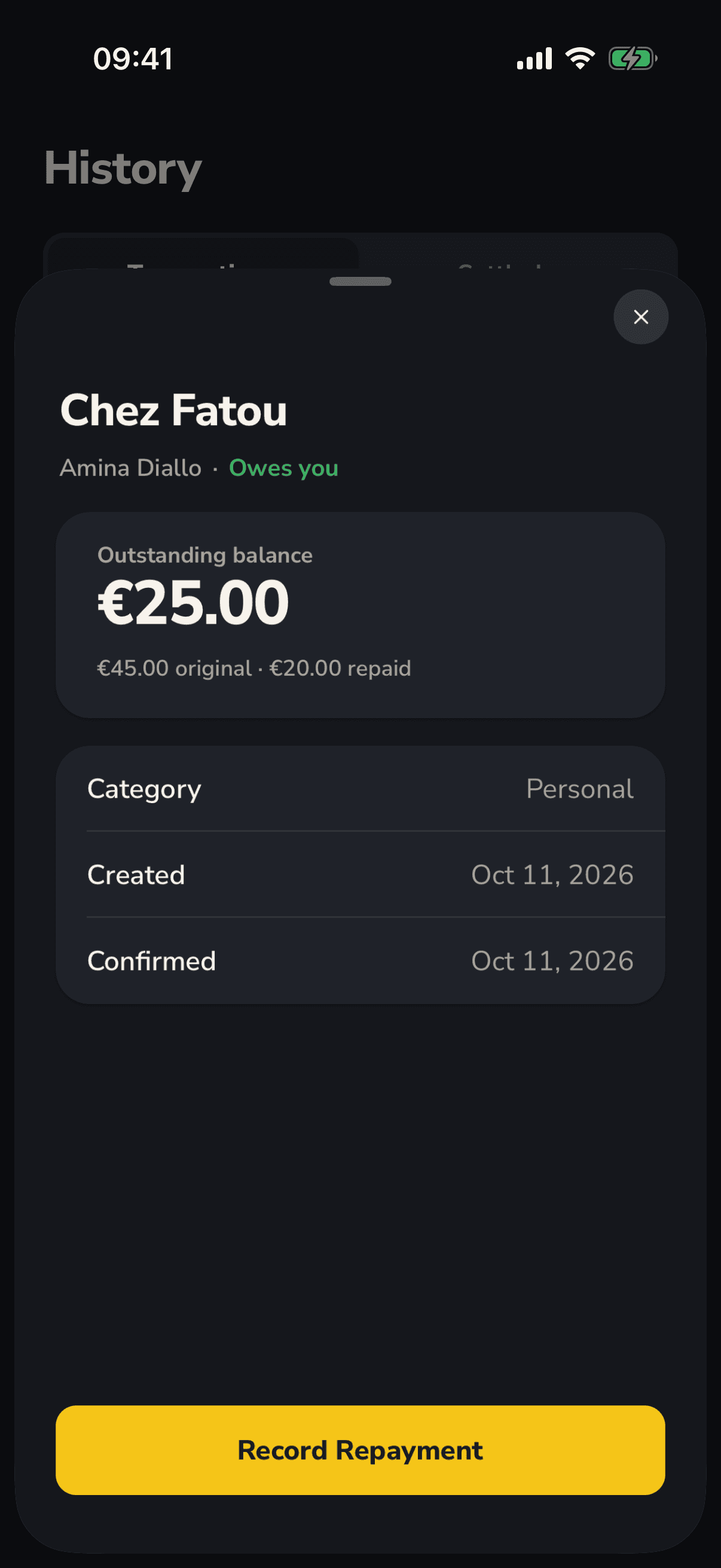
Pay back in parts, at your own pace. The remaining balance is always one you both agree on.
No app needed to confirm
The other person can agree from their browser, without installing anything.
Discreet reminders
A nudge when something is waiting for you: a debt to confirm, a repayment to check. Amounts never appear in the notification.
For the people you lend to and borrow from
- Friends
- The dinner you covered, the tickets you advanced, the loan until payday.
- Family
- Help between relatives, written down so nobody has to remember it.
- Roommates and colleagues
- Rent, groceries and lunches, with one balance per person.
- Small sellers and regulars
- The tab your regular customers run, confirmed by them and settled as they repay.
Questions
What does “confirmed” mean?
That both of you agree. A debt or a repayment recorded by one person stays provisional until the other person confirms it, and only confirmed ones count in your balance. One exception: when the lender records that the full balance was repaid, it counts right away and can be reversed for a short time.
Does the other person need the app?
No. The invitation link opens in their browser: they sign in with their email, Apple or Google and confirm, without installing anything.
Can I record partial repayments?
Yes. Record each repayment as it happens, whatever the amount. The other person confirms it and the remaining balance updates.
Which currencies?
Euro (EUR), CFA franc (XOF) and US dollar (USD). Each debt has one currency. When your debts with someone use different currencies, the balance is shown in your display currency.
Who can see the amounts?
The two of you. While a debt is pending, anyone holding its invitation link can see that debt's details, so share the link only with the person concerned. Amounts never appear in notifications.
Does it cost anything?
No. Tacktus is free.
Who owes whom, agreed by both.
Start with one debt. Once the other person confirms it, you both see the same balance.